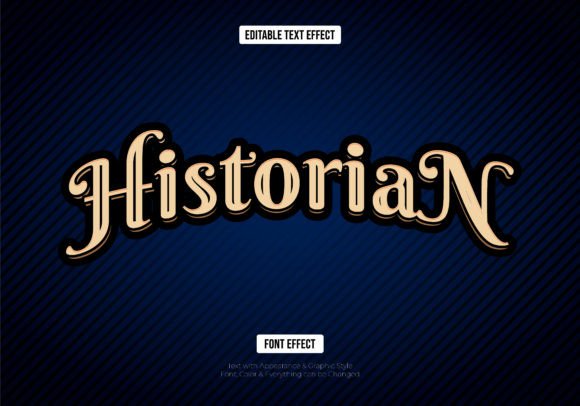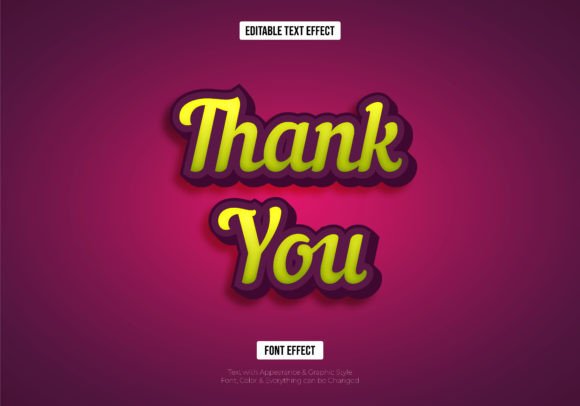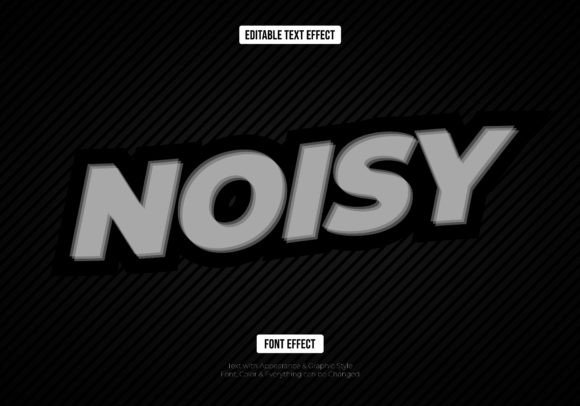
Blurred Noise Editable Text Effect
Just write your word, and the effect will apply—it's that simple. This Blurred Noise Editable Text Effect offers a dynamic, textured look that instantly adds depth and modern flair to any typography. Because it's a vector file (provided in both EPS and AI formats), you're never limited by pixel size. You can scale your design to fit a massive billboard or a tiny social media icon without losing a single bit of quality or clarity.
For designers, this kind of flexibility is invaluable. You're not just downloading a static image; you're getting a fully customizable design asset. Changing colors, swapping fonts, or adjusting the size is straightforward, allowing you to integrate the effect seamlessly into your existing projects. It's a powerful tool for creating eye-catching display type that stands out in a crowded visual landscape.
Creative Applications and Use Cases
The versatility of this text effect makes it suitable for a wide range of creative endeavors. Its gritty, textured aesthetic is perfect for projects that aim for an urban, contemporary, or artistic vibe. Consider using it for:
- Logo Design and Brand Identity: Create a memorable mark for brands in music, streetwear, tech, or creative industries. The noise texture adds a layer of authenticity and edge.
- Poster and Editorial Design: Make headlines pop in magazine layouts, event posters, or album covers. The effect draws the eye and sets a specific mood instantly.
- Packaging Design: Differentiate products on the shelf with unique typography that suggests quality and creativity, especially for artisanal goods or niche markets.
- Social Media Graphics and Web Design: Capture attention in fast-scrolling feeds with bold, textured titles for banners, ads, or hero sections on a website.
- Merchandise and Invitations: Apply the effect to t-shirts, tote bags, or digital event invites for a custom, polished look that feels professionally crafted.
Tips for Effective Implementation
To get the most out of any creative font or effect, a few practical considerations can help. First, always test for readability. While a blurred noise effect is stylistic, ensure your message remains clear at the intended viewing distance. Pair it with a clean, complementary sans serif or serif font for body text to maintain a balanced hierarchy.
Think about the mood of your project. This textured effect conveys energy and modernity. It might be ideal for a tech startup's launch but less so for a traditional law firm's brochure. Finally, double-check the license to ensure it covers your intended use, whether for personal projects or commercial client work.
Choosing the right typeface is a fundamental step in professional design. It influences everything from brand recognition to the overall user experience. A well-designed asset like this vector text effect provides a shortcut to sophisticated typography, helping you elevate your work with minimal effort. It’s about giving your projects a polished, contemporary edge that communicates effectively and looks exceptional at any scale.